iPhone EMF Radiation Explained | SAR by Model and Guide
Every iPhone emits EMF radiation in the form of radiofrequency (RF) signals from its Wi-Fi, cellular, and Bluetooth antennas, and…
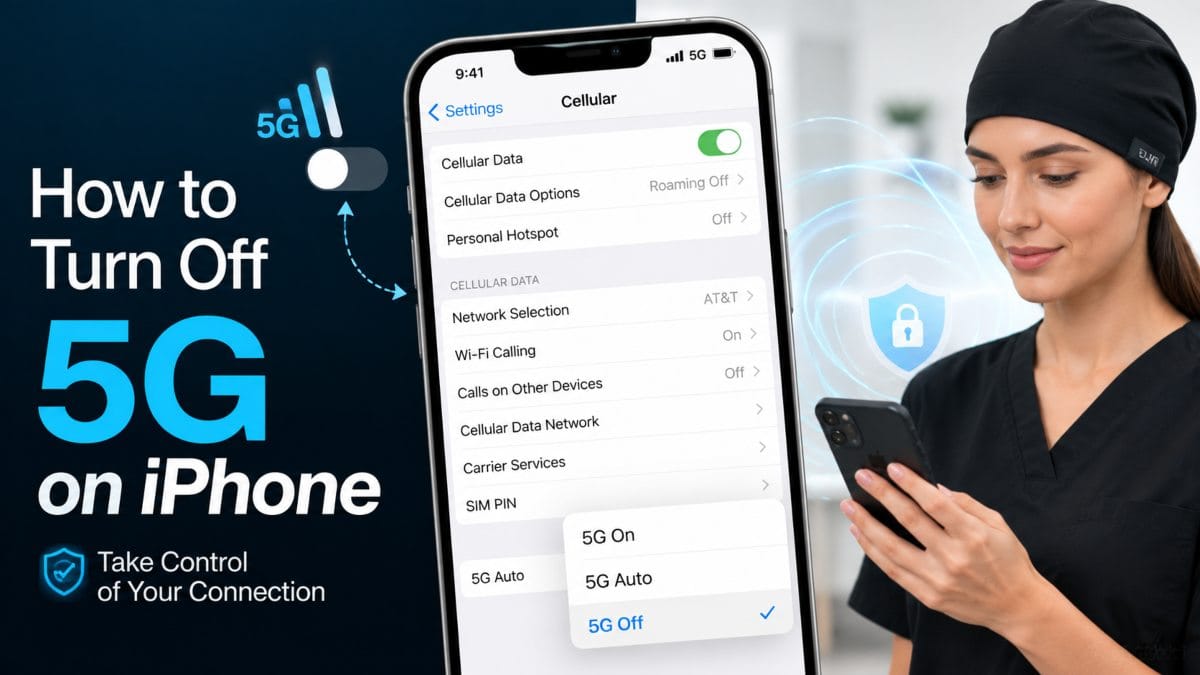
To turn off 5G on iPhone, go to Settings > Cellular > Cellular Data Options > Voice & Data, then select LTE instead of 5G On or 5G Auto. This switches your iPhone to a 4G LTE-only connection and works the same way across the iPhone 12 through iPhone 16 lineup, with only minor differences in menu wording between iOS versions.
Most people turn off 5G for one of three reasons: to stretch battery life, to get a more stable signal in areas with weak 5G coverage, or to reduce their phone’s wireless signal exposure. On the battery question, the effect is real but modest research from Ookla found that phones connected to 5G networks experience roughly 6% to 11% more battery drain than those running on 4G LTE, with the exact gap depending on the phone’s chipset. Below, we walk through the exact steps for every recent How to Turn Off 5G on iPhone, explain what the different 5G settings actually mean, and cover how to make the same switch on Android.
Most iPhone users switch off 5G for one of three practical reasons: to preserve battery life, to get a steadier connection where 5G coverage is patchy, or to reduce their day-to-day exposure to wireless signals. None of these require a new phone or a carrier change they’re all handled from the Cellular settings menu.
5G puts more strain on your iPhone’s battery than 4G LTE, mainly because the modem works harder to find and hold a 5G signal, especially outside dense coverage areas. Testing by Ookla found that phones on 5G networks experience roughly 6% to 11% higher battery drain than phones on 4G LTE, with the exact gap varying by chipset. That difference is more noticeable on older iPhones (like the iPhone 12 and 13) than on newer models, where Apple’s chip efficiency has narrowed the gap but switching to LTE remains one of the fastest ways to get extra screen time out of a single charge.
5G coverage is still uneven, particularly outside major cities, and an iPhone that’s set to “5G On” will keep searching for a 5G signal even when none is available nearby. That constant searching can cause dropped calls, slower data speeds, and choppier browsing than if the phone had simply stayed on LTE. Forcing your iPhone to LTE in these areas often results in a faster, more consistent connection, since the phone stops hunting for a network it can’t reliably reach.
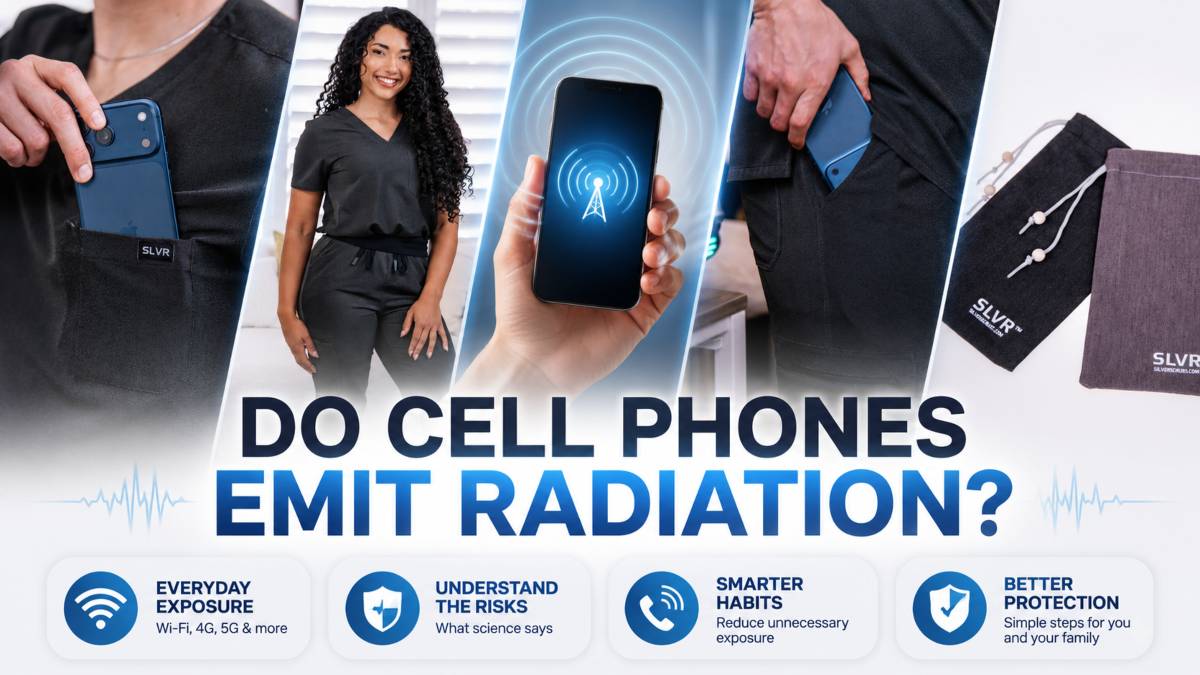
Turning off 5G reduces the number and strength of wireless signals your iPhone sends and receives, since the phone no longer connects to 5G-band transmissions. This is a straightforward technical outcome it does not mean turning off 5G “protects your health” or reduces any symptoms, and no claims here should be read that way. For anyone who wants to minimize their everyday exposure to wireless signals as a general precaution, switching to LTE-only mode is one simple, no-cost way to do it. To understand where this signal comes from in the first place, see our guide to EMF from phones and how 5G EMF radiation compares to earlier cellular generations.
The steps to turn off 5G are nearly identical across every iPhone that supports it the iPhone 12 through iPhone 16 since Apple keeps the Cellular Data Options menu consistent across models and only tweaks the wording between iOS versions. Open Settings > Cellular > Cellular Data Options > Voice & Data, then choose LTE in place of 5G On or 5G Auto to switch the phone to 4G LTE only.
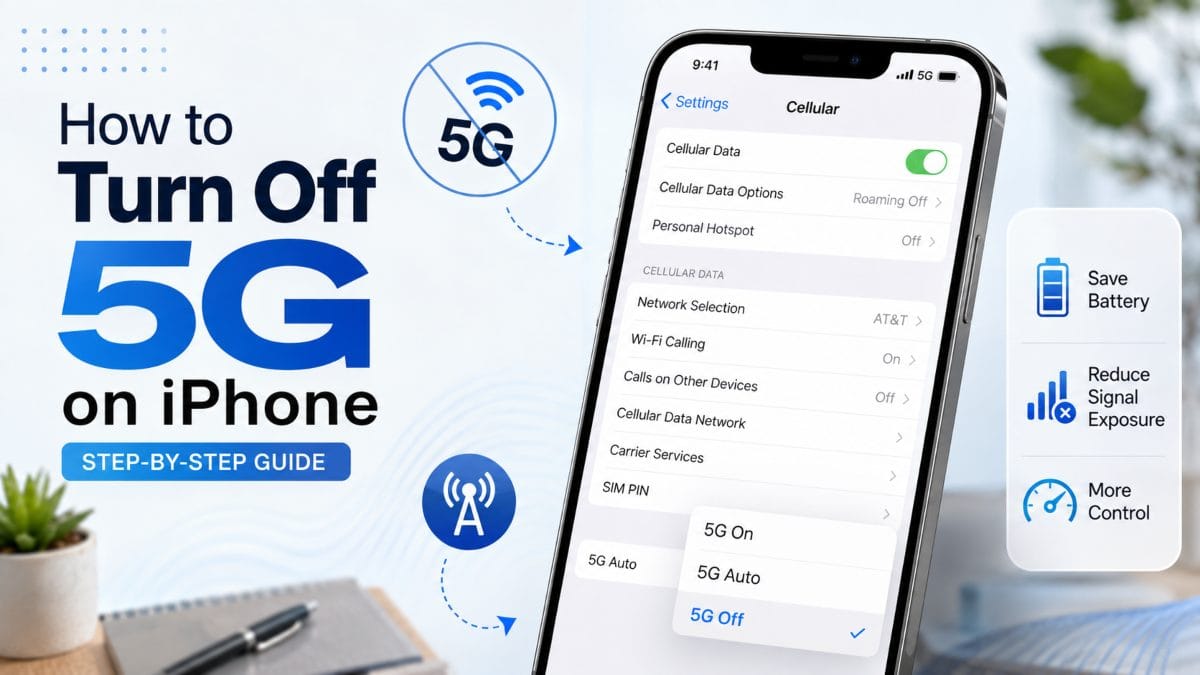 iPhone 16
On the iPhone 16 lineup, go to Settings > Cellular, tap Cellular Data Options, then Voice & Data, and select LTE. If you use a second line through eSIM, repeat this under that line’s cellular settings, since each SIM has its own 5G toggle.
The path is the same on the iPhone 15: Settings > Cellular > Cellular Data Options > Voice & Data > LTE. The iPhone 15 supports 5G on both its physical SIM and eSIM lines, so dual-SIM users should check both if they’ve noticed 5G still active on a second number.
On the iPhone 14, open Settings > Cellular > Cellular Data Options > Voice & Data, then tap LTE instead of 5G Auto or 5G On. Some carrier variants of the iPhone 14 also show a 5G Standalone toggle in this menu leave that off once LTE is selected, since it has no effect when 5G is disabled.
The iPhone 13 uses the identical menu: Settings > Cellular > Cellular Data Options > Voice & Data > LTE. This is the model where the battery difference is most noticeable, since Ookla’s testing found 5G-connected phones draining 6% to 11% more battery than those on 4G LTE, and the iPhone 13’s chipset is less efficient at managing that load than Apple’s newer silicon.
On Apple’s first 5G-capable iPhone, the iPhone 12, follow these steps: Settings > Cellular > Cellular Data Options > Voice & Data, then select LTE. Because the iPhone 12 was the earliest device to include a 5G modem, it tends to show the largest real-world battery gain after switching to LTE-only mode.
Your iPhone’s Cellular settings offer three main connection modes 5G Auto, 5G On, and LTE plus a handful of network labels, such as 5G UC, 5G UW, and 5G SA, that appear in the status bar depending on your carrier. Knowing what each one actually does makes it easier to pick the right setting instead of guessing.
5G Auto is Apple’s default and smartest setting: it uses 5G when it will meaningfully improve speed or performance, like streaming video, and quietly falls back to LTE the rest of the time to save battery. 5G On forces the iPhone to use 5G whenever it’s available, regardless of whether it’s actually faster, which is why it tends to drain battery fastest. LTE disables 5G entirely, keeping the phone on 4G at all times the setting most people choose when battery life or signal stability matters more than peak speed.
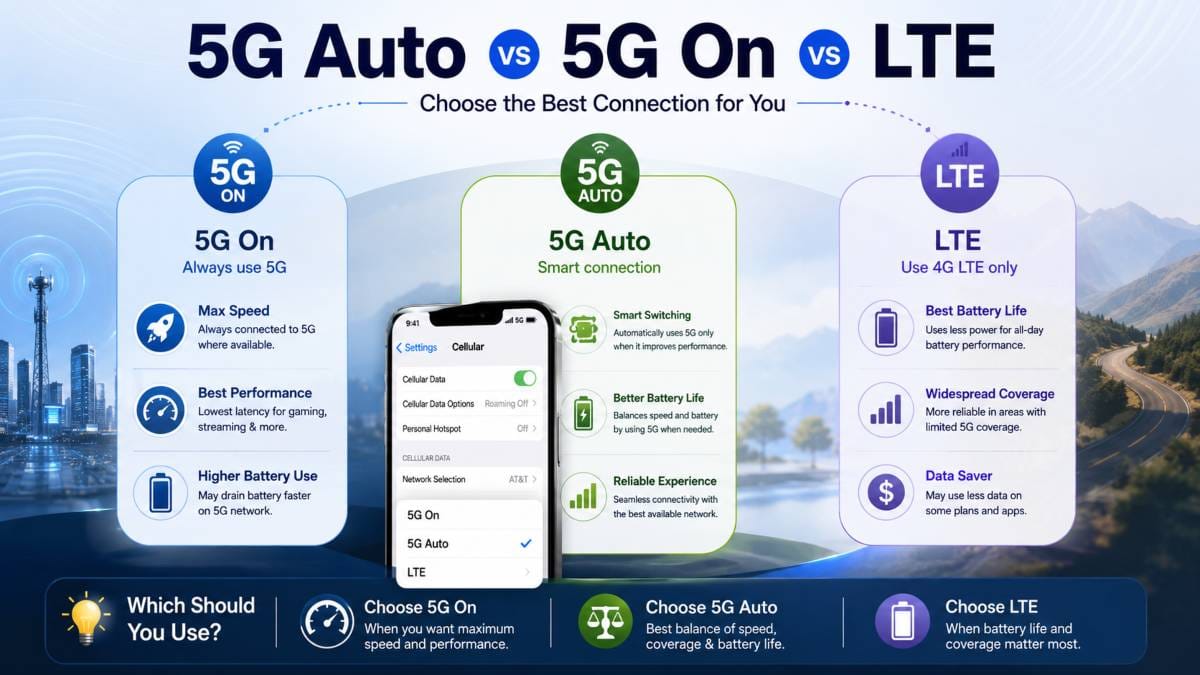 What “5G UC” Means
“5G UC” stands for 5G Ultra Capacity, a label used by T-Mobile to indicate you’re connected to its faster mid-band or high-band 5G spectrum rather than its slower nationwide low-band 5G. Seeing UC in the status bar means you’re getting closer to 5G’s advertised speeds, but it also means the phone is drawing more power to maintain that stronger connection.
“5G UW” stands for 5G Ultra Wideband, Verizon’s label for its high-speed millimeter-wave and high-band 5G network. Like T-Mobile’s UC, UW indicates a faster but more localized 5G signal it’s common in dense urban areas and largely absent elsewhere, which is part of why phones burn extra battery searching for it in weaker-coverage zones.
5G Standalone (SA) is a network architecture where the phone connects to 5G infrastructure only, without also maintaining a 4G LTE connection in the background. This matters for battery life because non-standalone 5G (the more common setup today) forces the modem to power two network connections simultaneously. In contrast, true standalone 5G can operate more efficiently. One industry review of battery testing methodology noted that standalone 5G networks are generally understood to be more power-efficient than non-standalone ones, which is one reason 5G’s battery impact varies so much by carrier and location. For a broader look at how 5G compares with other everyday sources of EMF exposure, see sources of EMF radiation.
Switching from 5G to LTE on iPhone takes about ten seconds: open Settings > Cellular > Cellular Data Options > Voice & Data, then tap LTE. This immediately disables 5G and switches your phone to 4G LTE for both calls and data, without requiring a restart.
If you switch between 5G and LTE often say, to save battery during the day and get faster speeds at home on Wi-Fi calling it’s worth knowing you can return to this same menu at any time and tap 5G Auto or 5G On to switch back, with no waiting period or carrier restriction involved. Some users set up a Shortcuts automation to jump straight to this settings screen with one tap, which is faster than navigating three menu levels each time.
One long-running iPhone battery comparison found the effect of this toggle is immediate and measurable: testers found an iPhone 13 Pro that ran nearly 13 hours on 5G still lasted about two and a half hours longer once switched to LTE. For most people, flipping this single toggle when battery life matters and switching back when speed matters more is simpler than leaving the phone on one setting permanently.
To turn off 5G on Android, go to Settings > Connections (or Network & Internet) > Mobile Networks, then change the preferred network type to 4G/LTE instead of 5G. The exact menu names vary slightly between Samsung’s One UI and stock Android, but the underlying settings are the same on every device.
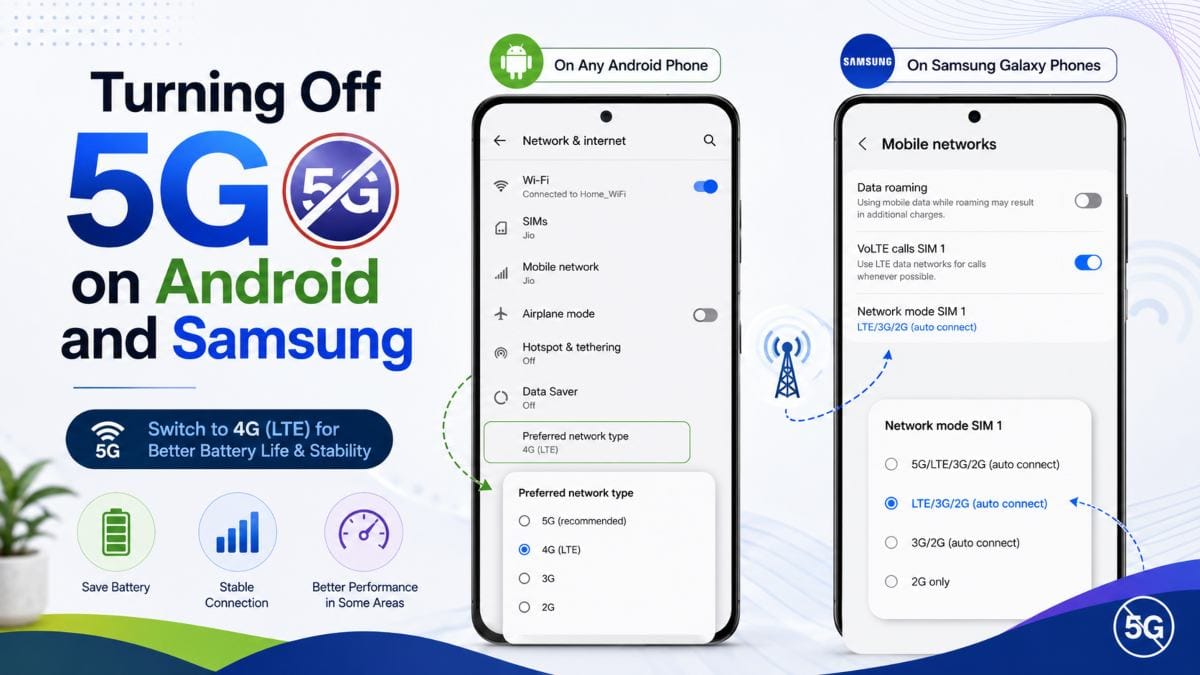 Samsung Galaxy Settings Path
On a Samsung Galaxy phone, open Settings > Connections > Mobile Networks > Network Mode, then select 4G/3G/2G Auto Connect to remove 5G from the list of available networks. Dual-SIM Galaxy models show this setting separately for each SIM slot, so if 5G still appears active after switching, check the second line as well. As with iPhones, this switch is worth making in areas with weak 5G coverage Ookla’s testing found phones on 5G networks draining 6% to 11% more battery than those on 4G LTE, a gap that’s often widest on exactly the mid-range Android chipsets common in budget and mid-tier Galaxy models.
On most other Android phones, the path is Settings > Network & Internet > SIMs > [your SIM] > Preferred Network Type, where you can select LTE/4G in place of 5G. Some manufacturers bury this under a “Mobile Network” or “Cellular Network” menu instead, but searching “network type” or “preferred network” in the Settings search bar will surface it on virtually any Android device.
Yes, turning off 5G reduces exposure to wireless signals from your phone, since the device stops transmitting and receiving on 5G frequency bands entirely. This is a straightforward technical result of disabling the radio, not a claim about health outcomes. For a plain-language breakdown of what these signals actually are, see EMF radiation explained.
With 5G disabled, your phone communicates only over 4G LTE bands, which means fewer active radio frequencies coming from the device itself. This effect is often larger than expected in areas with weak 5G coverage, since a phone left on 5G will keep transmitting at higher power as it searches for a signal it can’t reliably hold a major reason tests show 5G drains roughly 6% to 11% more battery than 4G LTE on average, with signal-hunting behavior being the biggest factor.
Less searching means less transmission, and less transmission means reduced exposure to that device’s wireless signals. If you want to see what this actually looks like, our guide on how to measure EMF radiation at home walks through the tools and steps.
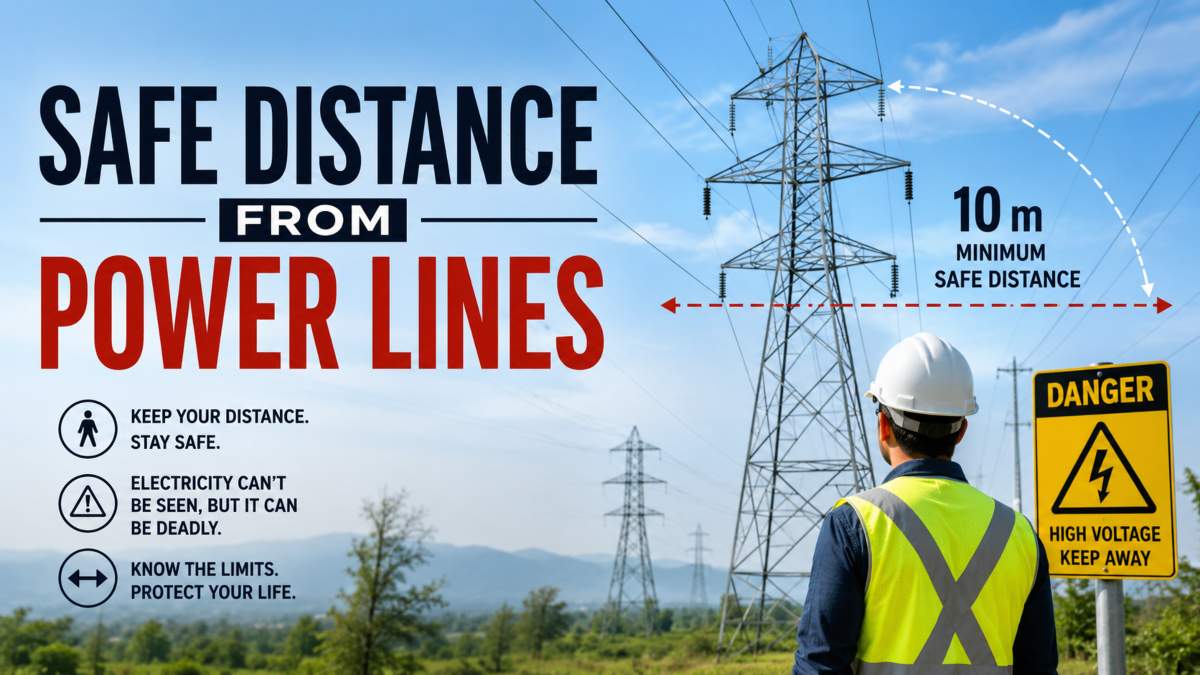
Turning off 5G on your phone does not affect the other wireless signals already present in a typical home or office Wi-Fi routers, smart home devices, Bluetooth accessories, and nearby cell towers all continue operating exactly as before. It also doesn’t change your exposure from other devices connected to the same network, since each phone, tablet, or laptop carries its own independent radio. Anyone looking to reduce exposure to wireless signals more broadly, rather than from a single phone, typically needs to consider other sources of EMF radiation in the home and can compare current readings against safe EMF levels or reference guidance, such as safe distances from power lines, for context on other common sources.
Note: Turning off 5G reduces your device’s exposure to wireless signals. It does not protect your health or reduce any symptoms, and no medical claims are made or implied here.
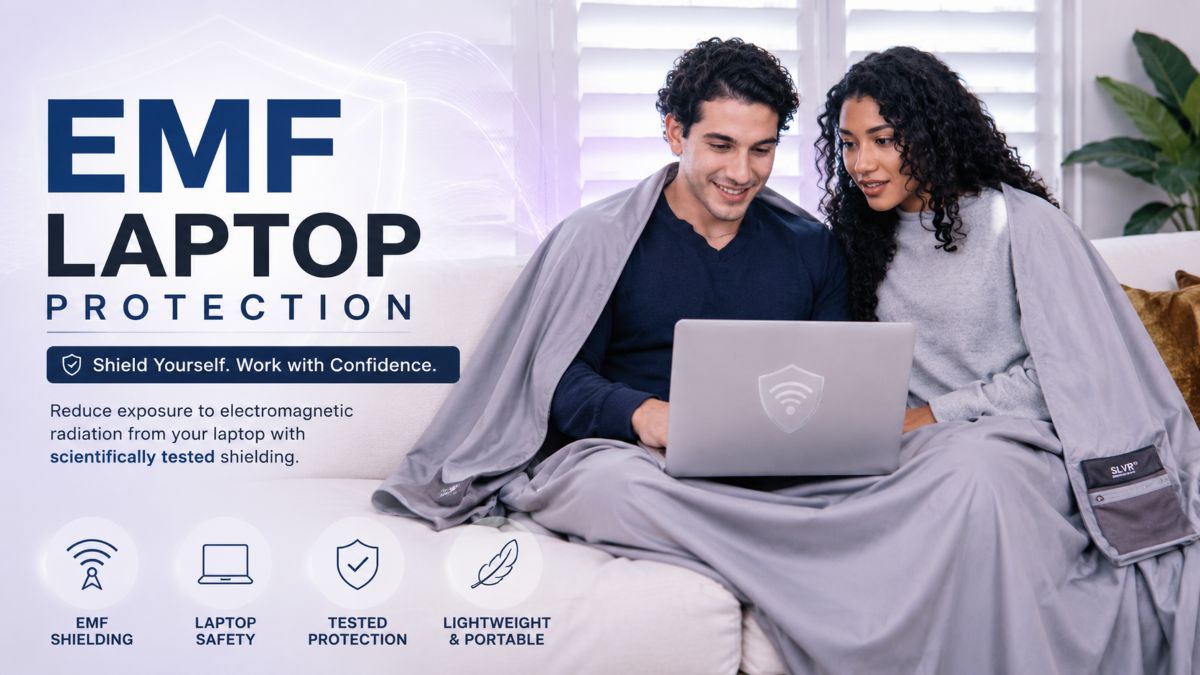
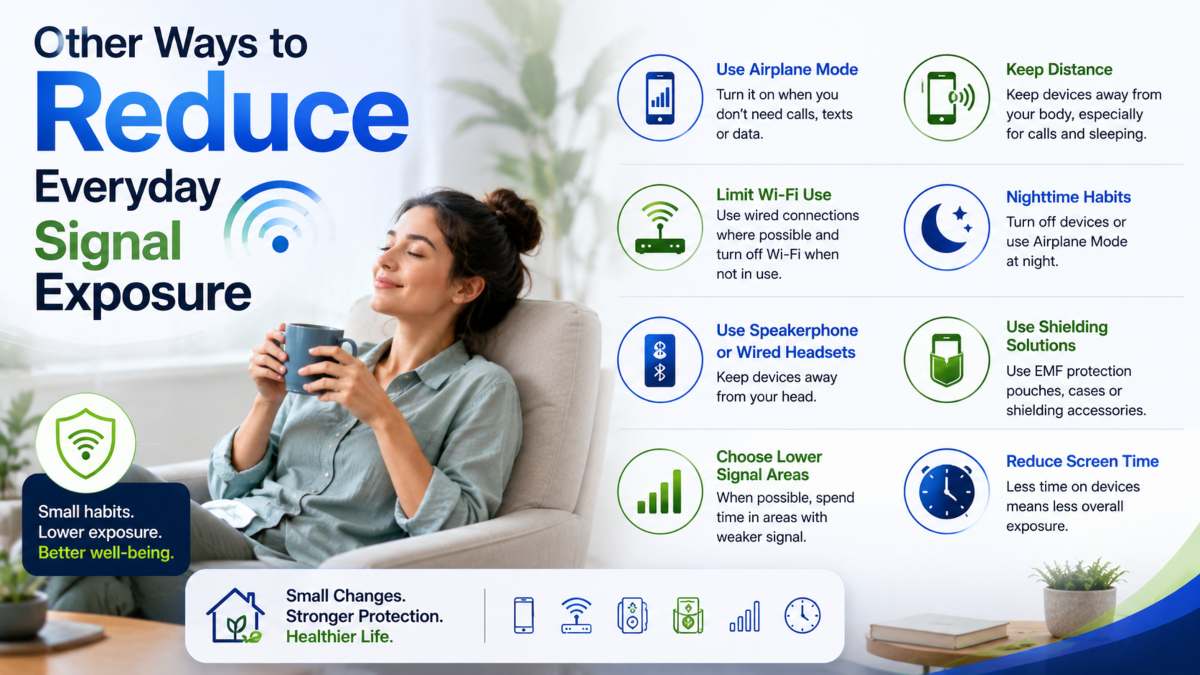
Beyond adjusting your phone’s cellular settings, a few practical habits and products can further reduce your exposure to wireless signals throughout the day. None of these steps are specific to iPhone or 5G they apply to any phone, on any network setting.
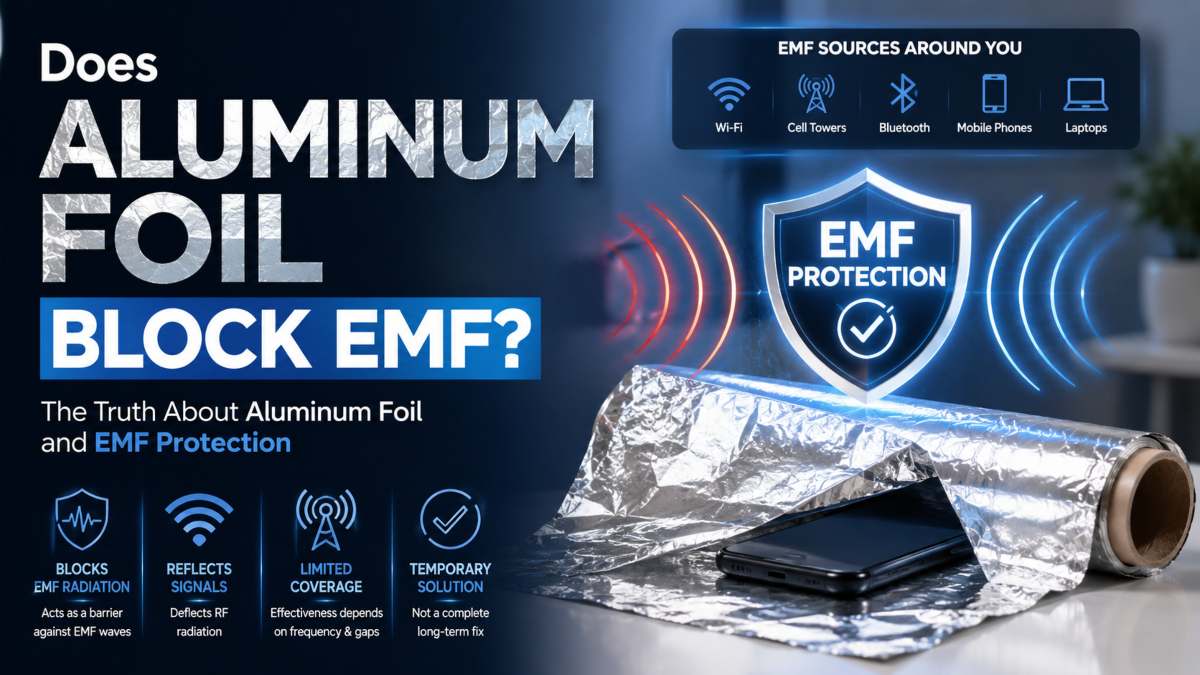
Simple habits make a measurable difference: keeping your phone in airplane mode when it’s not in use, switching to Wi-Fi calling where signal strength is already strong, and keeping the device out of pockets or off your body during calls all reduce the frequency and strength of the signals reaching you. If you’re curious about the underlying science before trying anything, what blocks EMF radiation, which materials actually work, and why.
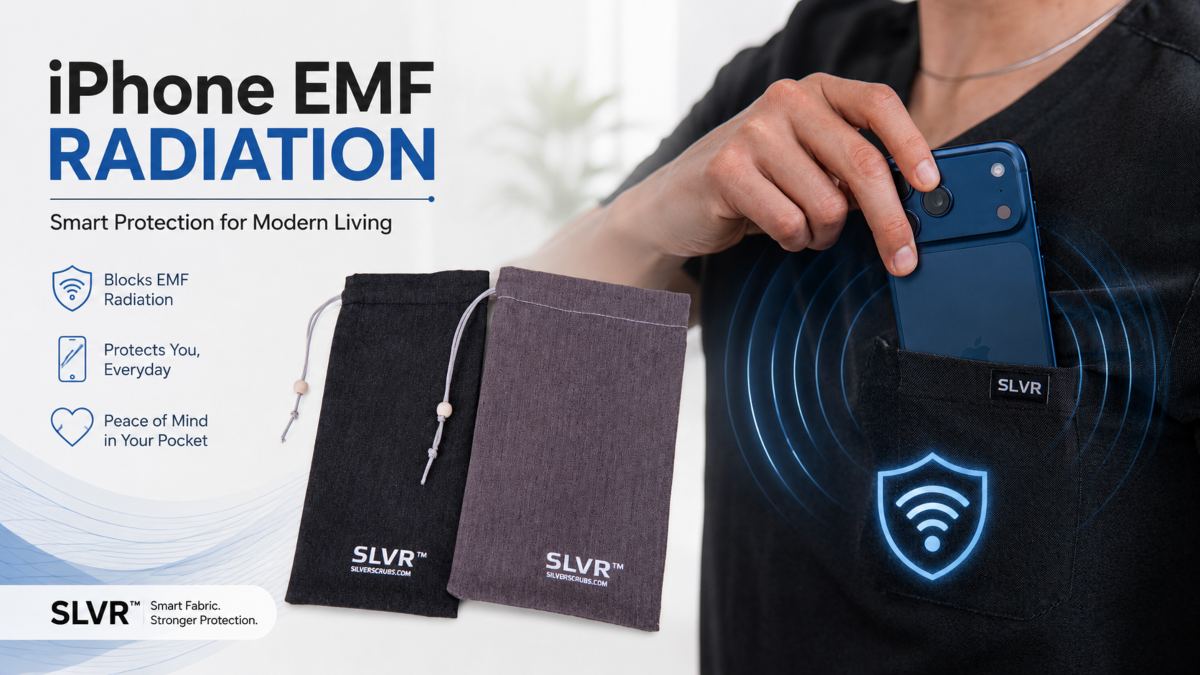
For a more consistent approach, some people use a Faraday phone pouch, which is designed to block a phone’s wireless signals. At the same time, it’s stored inside a straightforward way to reduce exposure to wireless signals during specific windows of the day, like while sleeping or working, without having to remember to change settings.
Note: An EMF-blocking pouch reduces exposure to wireless signals from your device it does not protect your health or reduce any symptoms, and no medical claims are made or implied here.
To go deeper on where these signals actually come from and how exposure adds up across your devices, see our full breakdown on EMF From Phones → if you’re looking for a physical solution alongside your settings changes, or review the independent lab results → behind our EMF-blocking materials.
 Frequently Asked Questions (FAQs)
Yes, Go to Settings > Cellular > Cellular Data Options > Voice & Data and select LTE instead of 5G Auto or 5G On. This works on every iPhone from the 12 through the 16.
Yes, in most cases. Ookla’s testing found phones on 5G networks experience 6% to 11% more battery drain than phones on 4G LTE, with the exact difference depending on the phone’s chipset and local signal strength.
5G UC stands for 5G Ultra Capacity, T-Mobile’s label for its faster mid-band and high-band 5G spectrum, as opposed to its slower nationwide low-band 5G coverage.
5G UW stands for 5G Ultra Wideband, Verizon’s name for its high-speed millimeter-wave and high-band 5G network, typically found in dense urban areas.
5G Standalone means the phone connects to 5G network infrastructure only, without also running a 4G LTE connection in the background. Standalone networks are generally considered more power-efficient than non-standalone ones, since the modem isn’t managing two connections at once.
Open Settings > Cellular > Cellular Data Options > Voice & Data and tap LTE. The change takes effect immediately, and you can switch back to 5G Auto or 5G On the same way at any time.
On Samsung, go to Settings > Connections > Mobile Networks > Network Mode and select 4G/3G/2G Auto Connect. On most other Android phones, the path is Settings > Network & Internet > SIMs > Preferred Network Type, where you can choose LTE/4G.
Yes, disabling 5G reduces exposure to wireless signals from that device, since it stops transmitting on 5G frequency bands. This is a technical outcome only; it does not protect your health or reduce symptoms, and turning off 5G does not affect other wireless signals in your home, such as Wi-Fi or nearby cell towers. If you’re curious about what actually blocks those other signals, see what blocks EMF radiation, and check our lab results for third-party test data.