iPhone EMF Radiation Explained | SAR by Model and Guide
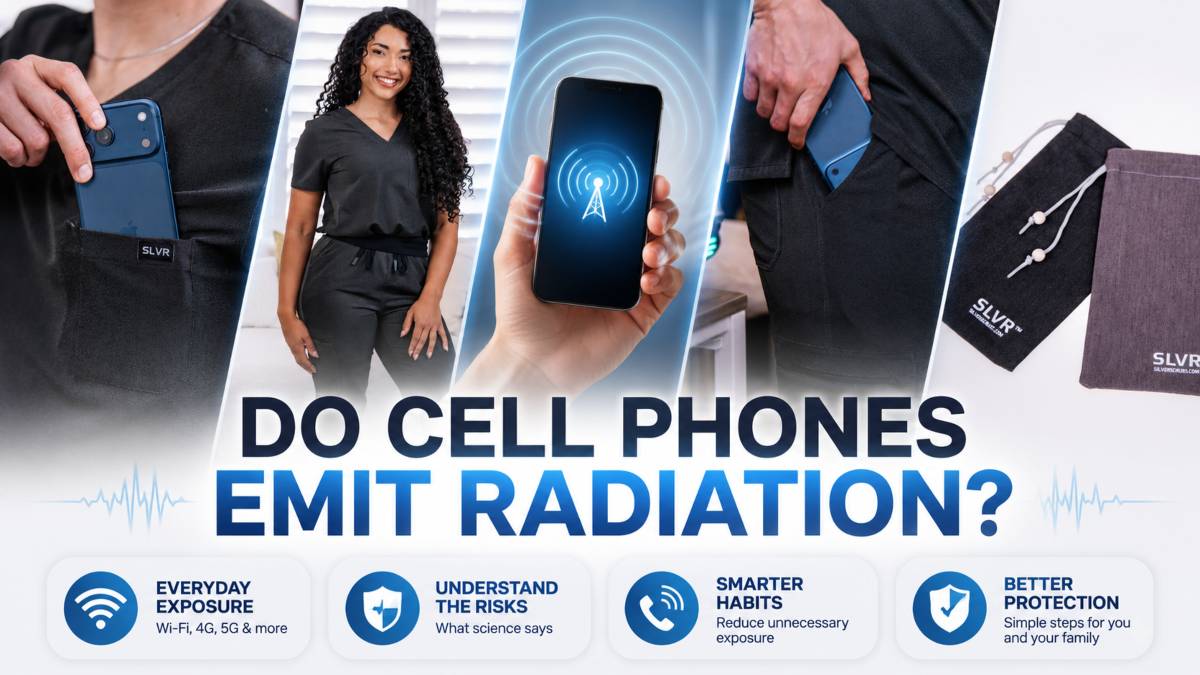
Every iPhone emits EMF radiation in the form of radiofrequency (RF) signals from its Wi-Fi, cellular, and Bluetooth antennas, and…

Yes, airplane mode reduces EMF by shutting off your phone’s cellular, Wi-Fi, and Bluetooth radios, which stops the device from actively transmitting wireless signals. Once these radios are off, the phone no longer sends or receives data, so it isn’t emitting radiofrequency (RF) radiation the way it does during a call, a download, or an app update.
That said, airplane mode isn’t the same as zero exposure. Your phone can still hold a small charge of stored energy, and some devices keep GPS or Wi-Fi active even in airplane mode unless you turn those off manually. Studies on phone emissions show that RF output drops sharply the moment active transmission stops, which is the main reason airplane mode is such an effective first step for reducing everyday exposure.
Below, we answer the question, “Does Airplane Mode Reduce EMF?” We explain what airplane mode does and doesn’t block, how charging changes the picture, and where physical shielding fits in if you want to reduce EMF exposure further.
Airplane mode disables the radios responsible for wireless communication: cellular, Wi-Fi, and Bluetooth. These are the components that actively send and receive signals, so switching them off is what stops the phone from transmitting RF radiation in the first place.
 Cellular, Wi-Fi, and Bluetooth Radios Explained
Your phone uses three main radios for wireless communication. The cellular radio connects to mobile towers for calls, texts, and mobile data. The Wi-Fi radio connects to local networks for internet access. The Bluetooth radio links to nearby devices like headphones, speakers, and smartwatches. Each of these radios transmits and receives radiofrequency signals continuously while active, even when you’re not using the phone directly, since apps regularly check for updates, messages, and background data a common contributor to iPhone EMF radiation throughout the day. Airplane mode cuts power to all three at once, which is why it’s the fastest way to stop a phone from transmitting.
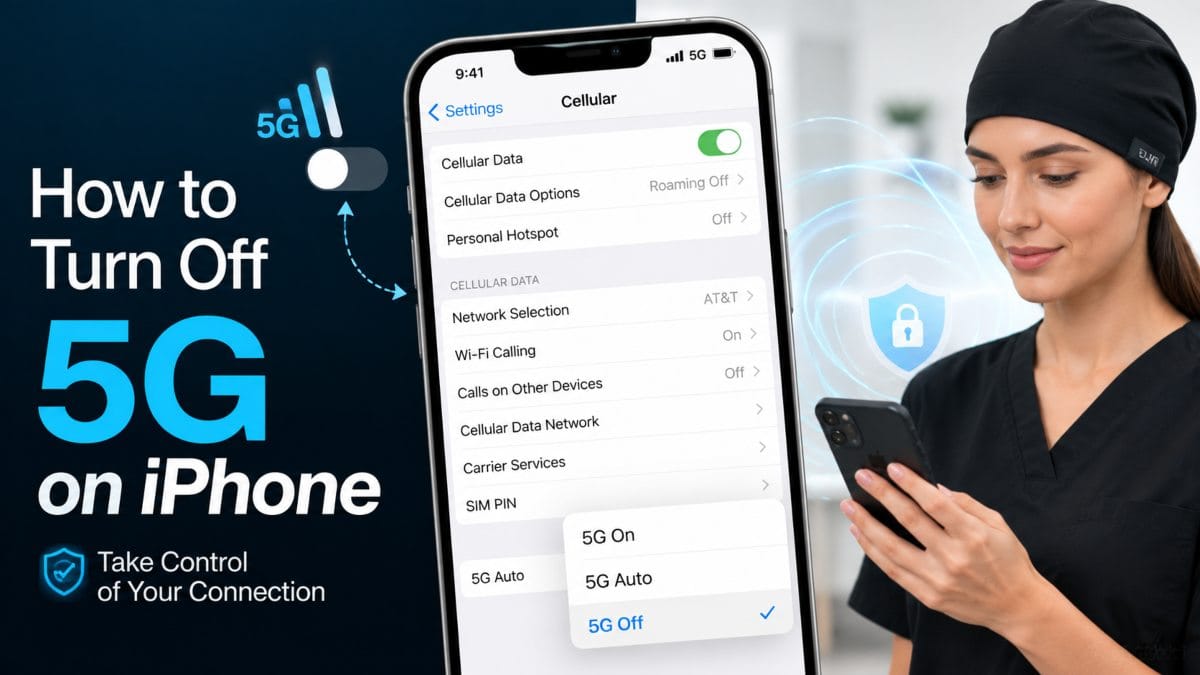
Airplane mode doesn’t guarantee every wireless function is off. Many phones let you manually re-enable Wi-Fi or Bluetooth while airplane mode stays on, which is common for in-flight Wi-Fi access. GPS is a separate case: it’s a receive-only signal, meaning your phone picks up satellite positioning data without transmitting anything back, so some devices keep it running in the background even in airplane mode. If reducing transmission is the goal, it’s worth checking your specific settings menu rather than assuming airplane mode blocks everything by default.
Airplane mode reduces EMF radiation by stopping active transmission, but it doesn’t bring exposure down to zero. The moment your phone’s cellular, Wi-Fi, and Bluetooth radios power down, the device stops sending signals to towers, routers, and nearby devices, which is where the bulk of a phone’s RF output comes from.
RF radiation from a phone is highest during active transmission, meaning the moments it’s searching for signal, placing a call, streaming, or syncing data. Phones nearing the edge of cell coverage often increase power output as they work harder to maintain connection, which is one reason emissions can spike in low-signal areas. Airplane mode removes this variable entirely by cutting the radios’ power supply, so there’s no searching, syncing, or connecting happening in the background.
Turning off transmission isn’t the same as eliminating every source of electromagnetic field around the device. A phone in airplane mode can still generate a small electromagnetic field from its battery and internal electronics. If any radio (like GPS) has been left active, that adds a low-level signal on top. The practical distinction is that airplane mode eliminates the large, variable RF emissions tied to wireless communication, while a much smaller, mostly static EMF footprint from the hardware itself remains.
Airplane mode reduces EMF radiation from a phone while charging by keeping the wireless radios off, but the charging process itself adds a separate, small electromagnetic field of its own. This means a phone in airplane mode on the charger isn’t emission-free, it’s just no longer transmitting wireless signals on top of the charging field.
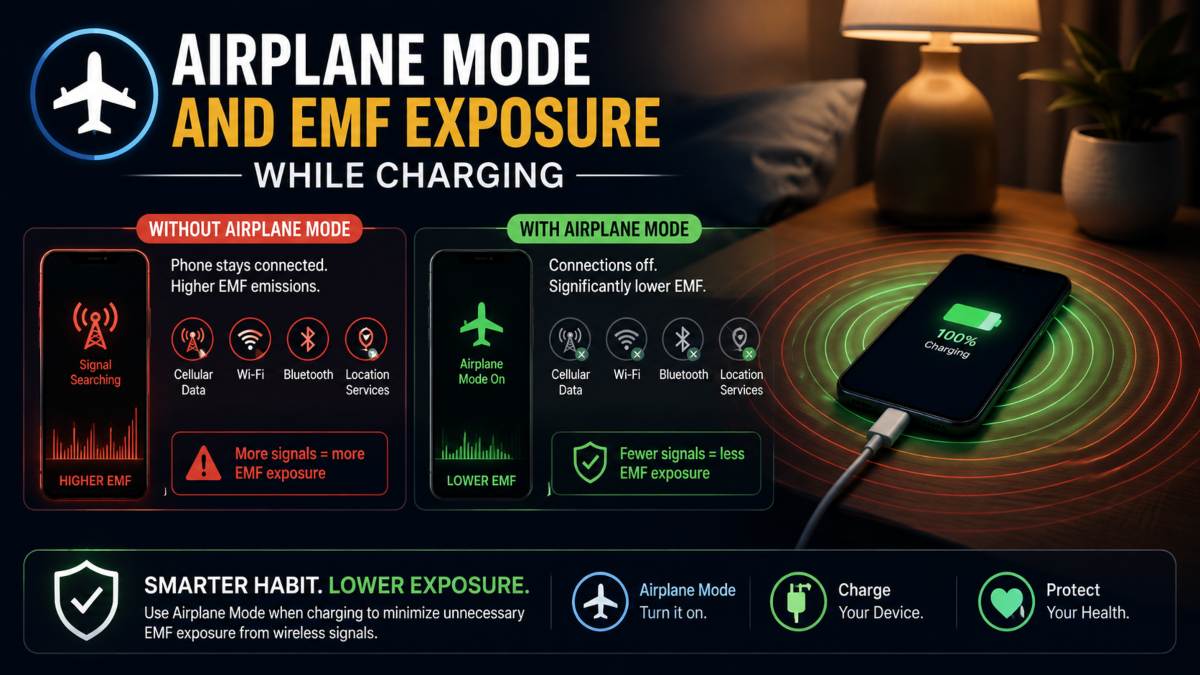 Does Charging Create Its Own EMF Field?
Any device drawing electrical current generates a small electromagnetic field, and charging is no exception. The charging cable, the power adapter, and the phone’s internal battery circuitry all carry current. In contrast, charging is active, producing a low-level EMF field around the setup one of several sources worth knowing about when learning how to reduce EMF in your home. This field is unrelated to the phone’s wireless radios and exists whether the phone is in airplane mode or not, since it comes from the electrical charging process itself rather than from cellular or Wi-Fi transmission.
Airplane mode and powering off achieve different things during charging. Airplane mode stops the wireless radios from transmitting while still allowing the phone to charge, stay on, and remain ready to use once reconnected. Fully powering off eliminates radio transmission the same way, but also shuts down the phone’s processor and background activity, which removes any EMF contribution from those internal components as well. For someone who wants to keep the phone reachable or ready to use, airplane mode covers the wireless transmission piece; for the lowest possible footprint during charging, powering off goes a step further.
Airplane mode only controls your own phone’s radios, it does not affect the EMF sources around you. Wi-Fi routers, cell towers, other people’s devices, and every other transmitter in your environment keep operating exactly as before, regardless of what your phone is set to.
Turning on airplane mode stops your phone from sending and receiving signals, but it has no control over external transmitters. A Wi-Fi router in your home, a nearby cell tower, or a coworker’s phone all continue broadcasting whether your device is in airplane mode or not. The same is true for ambient sources further from the device itself keeping a safe distance from power lines is a separate consideration entirely from anything your phone’s settings can control. This is a one-way switch: it silences your phone, not the environment it sits in. Someone standing next to a router with their phone in airplane mode is still in that router’s signal field the entire time.
Airplane mode is a setting on a single device, not a barrier between you and electromagnetic fields more broadly. Homes and workplaces routinely contain multiple ongoing EMF sources, including routers, smart devices, appliances, laptops, and other people’s phones which is part of why interest in EMF laptop protection has grown alongside remote and hybrid work none of which are affected by your own phone’s settings. Reducing exposure to that ambient field requires a different approach than a software toggle, since the source of the exposure isn’t the device in your pocket to begin with.
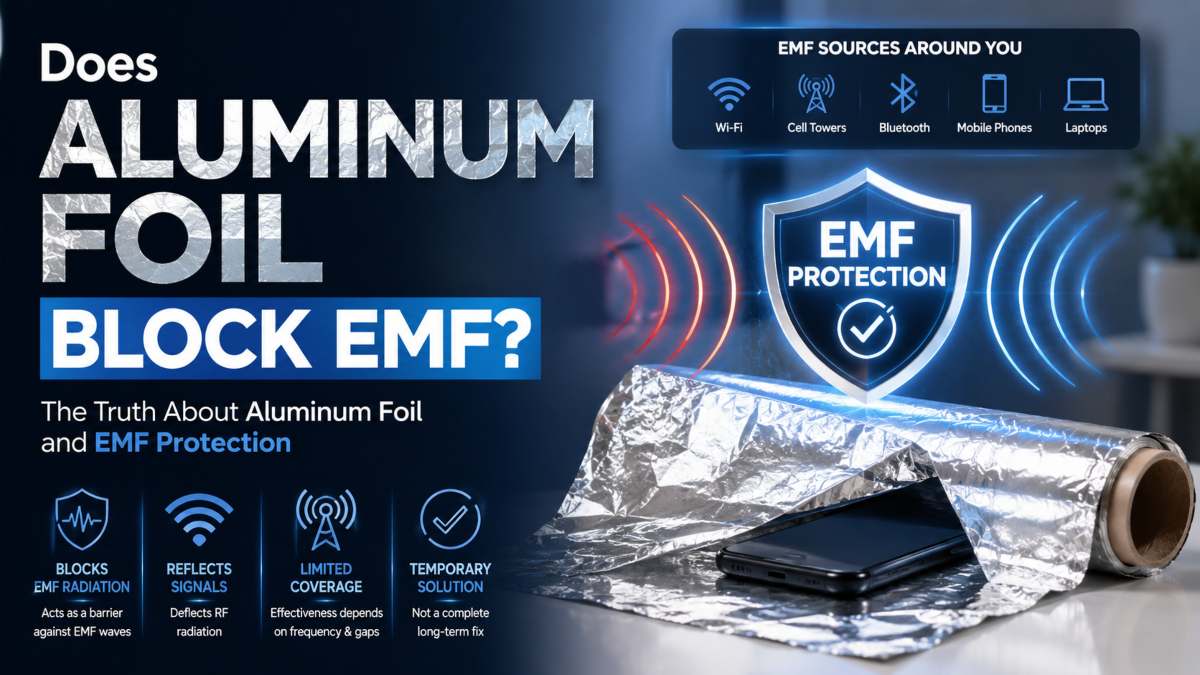
Airplane mode and EMF shielding fabric address the exposure question in different ways: one turns off the source, the other blocks the signal. Airplane mode works by disabling your phone’s radios. Hence, nothing transmits, while shielding fabric works by physically blocking wireless signals from reaching a device or a person, regardless of whether that signal is coming from your own phone or someone else’s.
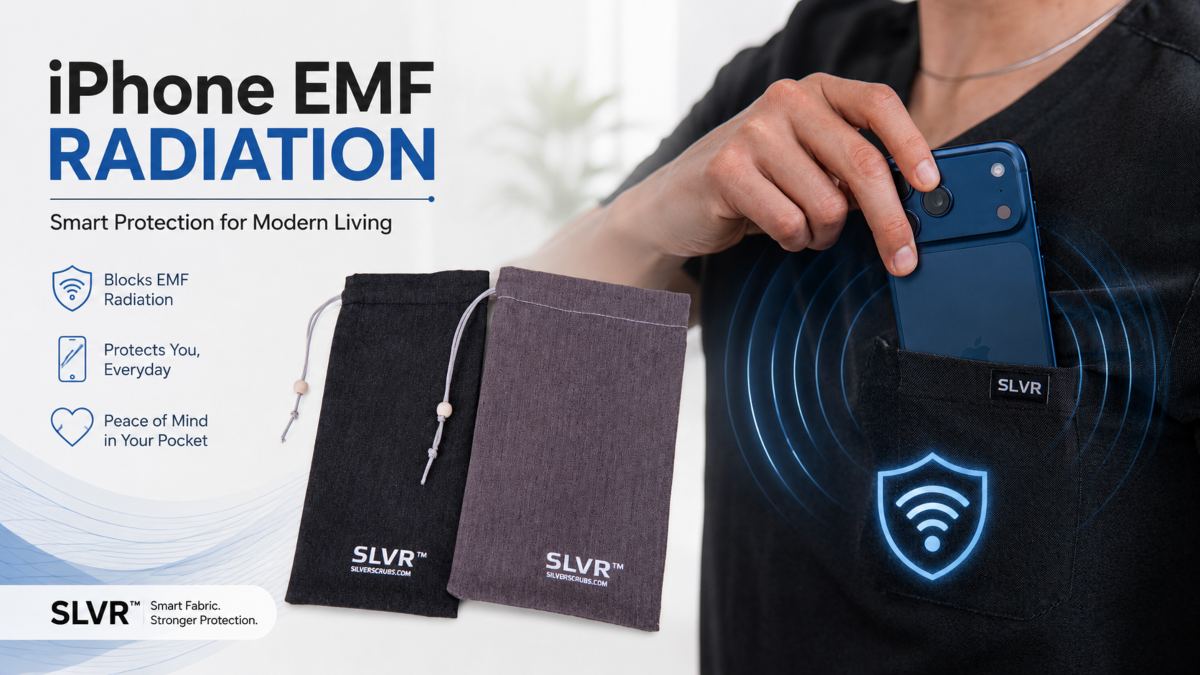
Airplane mode is a software-level control. It only affects the device it’s activated on and only stops that device from transmitting. It does not affect incoming signals from routers, towers, or other people’s electronics. Silver-fiber shielding fabric works differently: woven with 35% silver fiber as an EMF blocking material, it’s designed to block wireless EMF and 5G radiation from passing through, which is why it’s used in Faraday phone pouches and EMF-blocking apparel. The two aren’t competing solutions, they address different parts of the exposure picture, one at the source and one at the barrier.
Airplane mode isn’t always realistic to use since most people need their phone reachable for calls, messages, or navigation throughout the day. This is where a physical barrier can fill the gap: a Faraday phone pouch or shielding fabric can reduce exposure to wireless signals without requiring the phone to be disconnected. It’s a way to address the same concern aeroplane mode raises, minimising exposure while keeping the device fully functional and reachable.
Reducing everyday EMF exposure comes down to a combination of habits and, where needed, physical barriers. Small changes like increasing distance from transmitting devices and adjusting when and how you use them can meaningfully lower exposure without any special equipment.
 Distance, Timing, and Device Habits
Signal strength drops off sharply with distance, which is why keeping a phone a few inches further away, using speakerphone instead of holding it to your ear, or setting it across the room while charging overnight can all reduce exposure with no extra tools involved. Timing matters too: a phone actively searching for signal, streaming video, or on a call is transmitting at a higher level than one sitting idle with a strong connection. Simple habits, like keeping the phone out of a pocket during calls or turning off Wi-Fi and Bluetooth when they’re not in use, add up over the course of a day.
For situations where distance or timing changes aren’t practical, silver-fiber shielding fabric offers a physical layer of protection that works independently of any phone setting. EMF blocking clothing is designed to reduce exposure to wireless signals throughout the day. In contrast, a Faraday phone pouch blocks signals to and from the phone itself when it’s stored inside, useful for situations like carrying the phone in a pocket or bag without needing to power it down. Used alongside habits like distance and timing, shielding fabric rounds out a more complete approach to everyday exposure.
Yes, airplane mode reduces EMF exposure from a phone by disabling the cellular, Wi-Fi, and Bluetooth radios responsible for wireless transmission. Once these are off, the phone stops actively sending and receiving signals, cutting the largest source of its RF output.
No, airplane mode stops wireless transmission but not every source of electromagnetic field. A phone in airplane mode can still carry a small EMF footprint from its battery and internal electronics, and features like GPS may remain active on some devices unless turned off separately.
Yes, airplane mode reduces the wireless transmission portion of EMF radiation while charging. Still, the charging process itself adds a separate, small electromagnetic field from the current running through the cable and adapter. Airplane mode addresses the radio signals, not the charging field.
Airplane mode addresses only the signals your own phone transmits, it does not affect routers, cell towers, or other devices nearby. For broader everyday exposure, many people pair habits like distance and timing with physical barriers such as EMF blocking clothing or a Faraday phone pouch.
Disclaimer: SLVR Wear™ products are not medical devices and are not intended to diagnose, treat, cure, or prevent any disease.