Silver Scrubs® Medical Clothing | EMF Blocking Scrubs
Every day, nurses, physicians, radiologists, and allied health professionals enter environments saturated with invisible electromagnetic fields from diagnostic equipment, wireless…
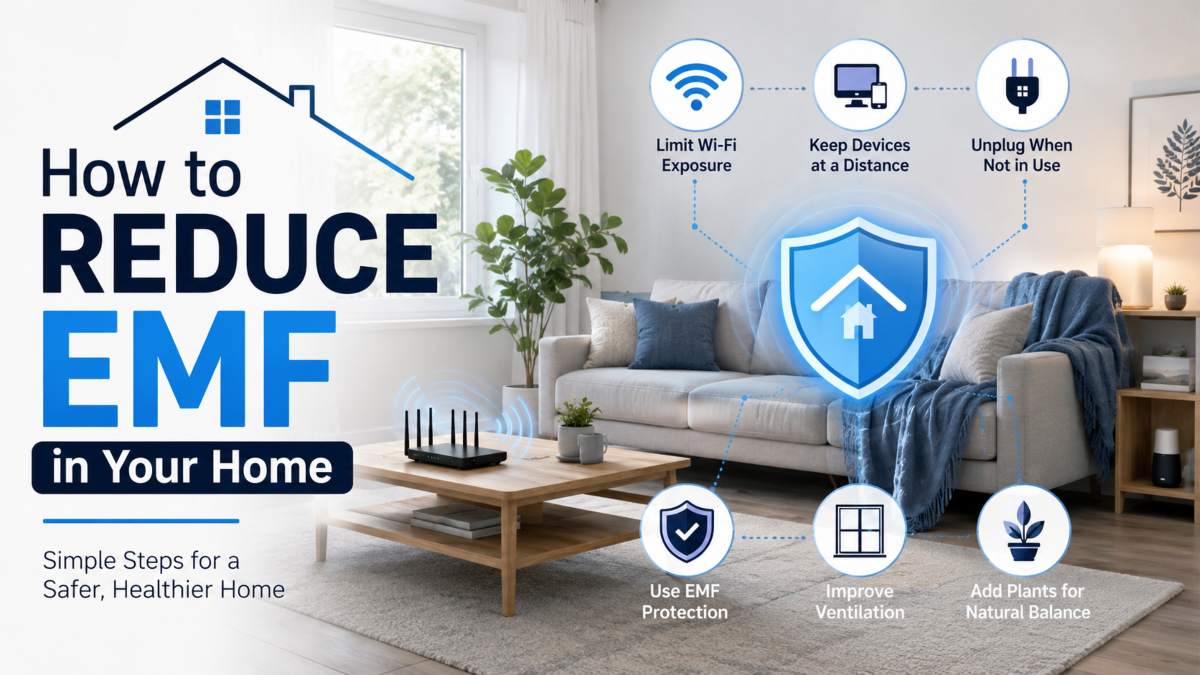
You can reduce EMF exposure at home by identifying your strongest sources of EMF radiation WiFi routers, smart meters, and cordless devices then increasing distance, adjusting placement, and shielding where needed. Most homes have several EMF sources running at once, often without the people living there realizing how close or constant that exposure is.
EMF, or electromagnetic field, radiation comes from any device that transmits a wireless signal or carries an electrical current. In a typical home, that includes WiFi routers, smart meters, cell phones, baby monitors, smart TVs, and increasingly, smart home hubs. The World Health Organization classifies radiofrequency EMF as a possible factor worth continued research, which is part of why interest in home EMF reduction has grown alongside the expansion of smart devices and 5G infrastructure. None of this means eliminating technology from your home it means understanding where your exposure is coming from and making informed adjustments room by room.
This guide walks through how to measure EMF radiation at home, how much EMF common sources like smart meters actually emit, practical ways to block or lower exposure from routers, meters, How to Reduce EMF in Your Home and other everyday devices without needing to overhaul your entire home setup.
EMF stands for electromagnetic field the energy released by any device that uses electricity or sends a wireless signal. In a home, EMF shows up everywhere electricity flows or data transmits, from the wiring behind your walls to the WiFi signal connecting your devices.
There are two main types of EMF found in homes. The first is electric and magnetic fields from wiring, appliances, and power lines, which are strongest close to the source and drop off quickly with distance. The second is radiofrequency (RF) EMF, produced by wireless devices such as routers, cell phones, smart meters, which continuously transmit signals to stay connected.
RF EMF is the type most homeowners are concerned about today, largely because the number of connected devices in an average household has grown so quickly. The average U.S. household now has more than 17 connected devices, according to Deloitte’s Connectivity and Mobile Trends survey up sharply from just a few years ago, and each one adds to a home’s total RF exposure.
This is why EMF in the home isn’t tied to a single appliance or room. It’s cumulative, built from dozens of small, constant signals running in the background of daily life.
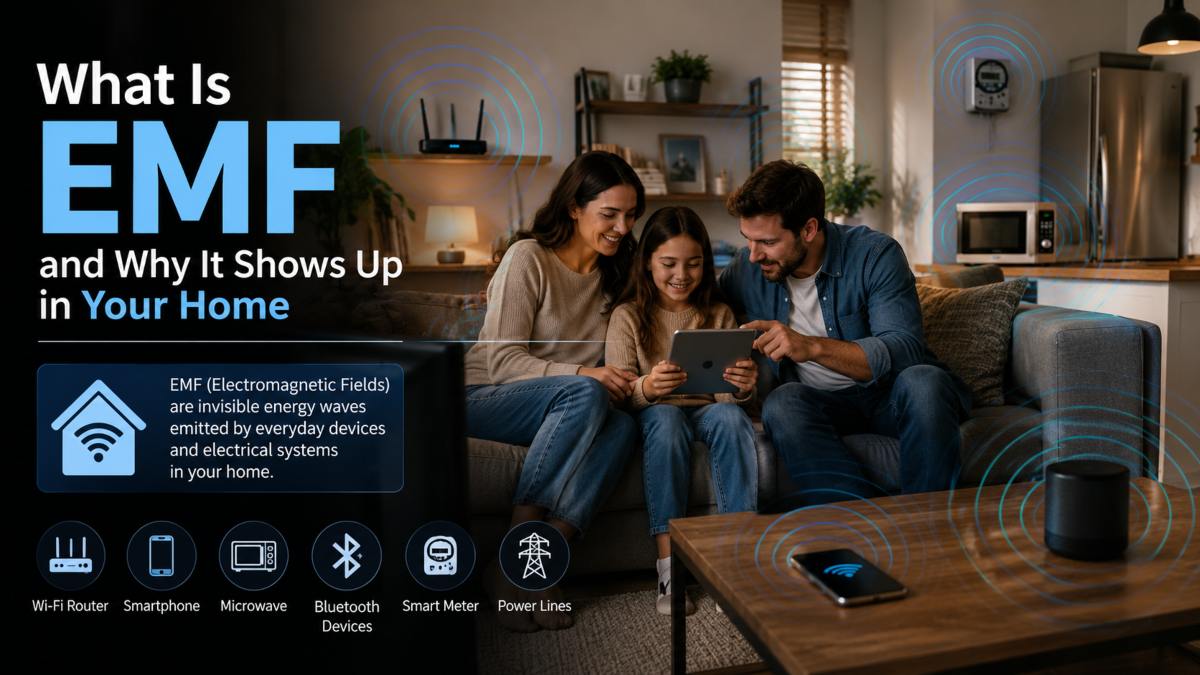 Common Home EMF Sources
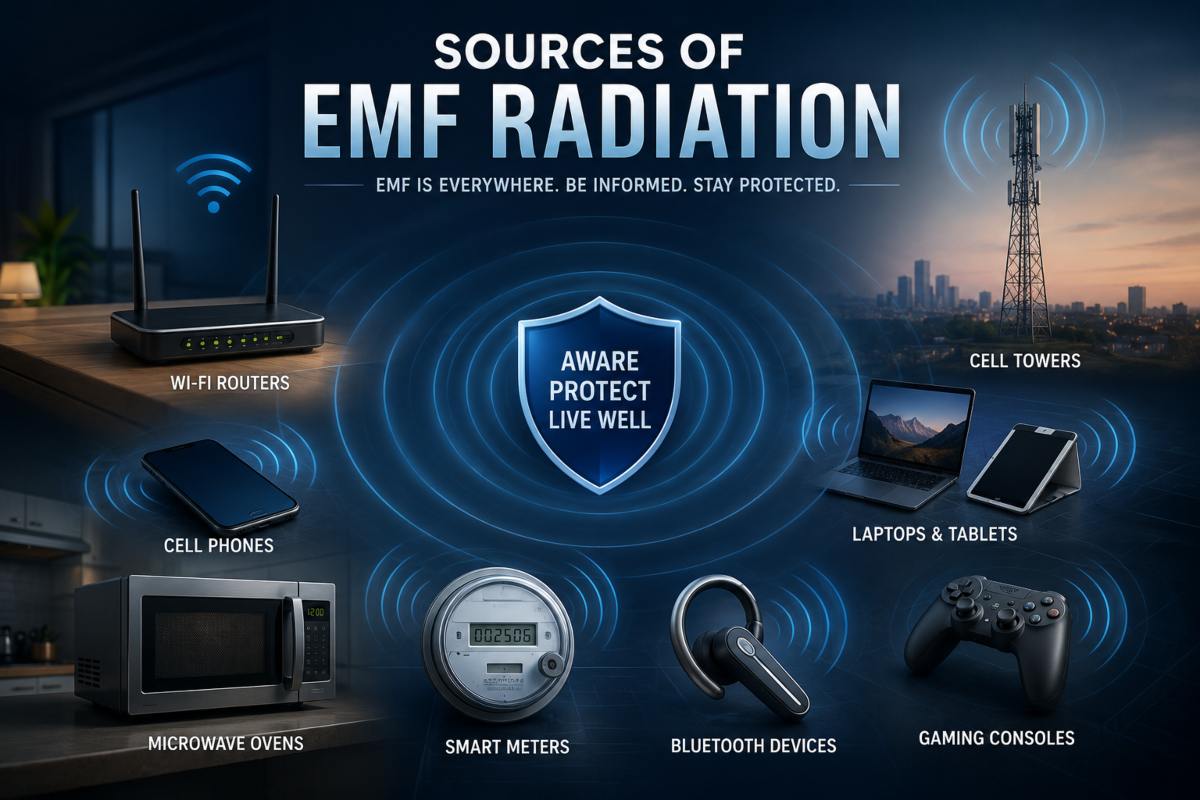
The most common sources of EMF at home include:
Some of these sources run continuously, while others transmit only when in use. Understanding which devices in your home fall into each category is the first step toward knowing where to focus your reduction efforts which starts with learning how to detect EMF levels in different rooms.
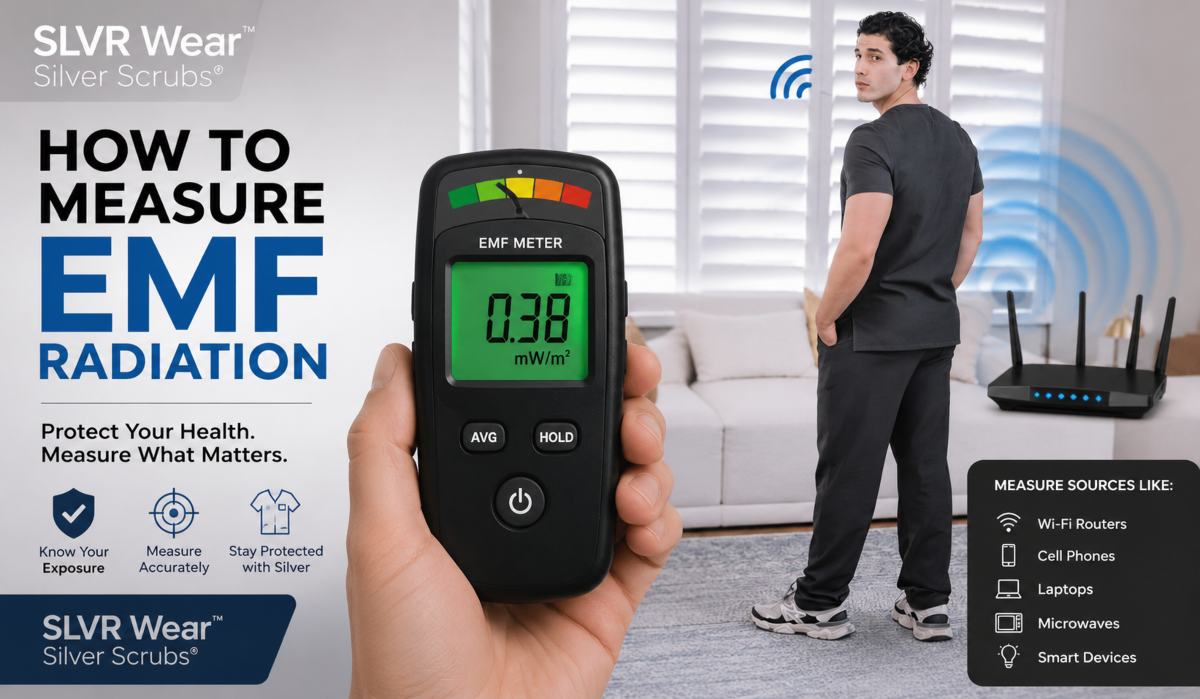
The most reliable way to detect EMF at home is with a handheld EMF meter, which measures electric, magnetic, and radiofrequency fields in real time as you walk through each room. These meters range from basic consumer models to professional-grade equipment, and using one is the only way to know actual EMF levels rather than guessing based on which devices are nearby.
To detect EMF at home, start by testing near known sources routers, smart meters, cordless phones, and smart hubs then compare those readings to areas farther away, like the center of a room or a spot outside the home entirely. This gives you a baseline for what “normal” looks like in your specific space, since EMF levels vary based on your home’s wiring, device placement, and proximity to outside sources like cell towers or a neighbor’s WiFi network. Bedrooms and home offices are worth testing first, since people typically spend the most consecutive hours in these rooms.
There’s no universal symptom checklist tied to EMF exposure, and it’s important to avoid assuming any physical sensation is EMF-related. What can indicate higher-than-expected exposure is more practical: a large number of connected devices in one room, a smart meter mounted on a shared bedroom wall, a router placed directly next to a desk or bed, or a home with older wiring located near a utility connection point. These are environmental indicators, not health diagnoses they simply flag where Safe EMF levels are more likely to be elevated and warrant direct measurement.
A consumer-grade EMF meter is enough for most homeowners who want a general sense of where exposure is highest. These devices typically cost under $150, are easy to operate, and provide instant readings of RF and electromagnetic fields. Professional EMF testing, by contrast, uses calibrated equipment and is better suited for situations involving new construction, proximity to power infrastructure, or a more detailed frequency-by-frequency breakdown of a home’s EMF profile. For most households, a consumer meter combined with basic source-by-source testing is sufficient to identify problem areas and guide next steps.
Yes, smart meters emit radiofrequency (RF) EMF. They use wireless signals to transmit energy usage data to the utility company, typically in short, periodic bursts rather than a continuous stream.
Unlike a Wi-Fi router, which broadcasts a signal almost constantly, a smart meter transmits for only a fraction of a second at scheduled intervals throughout the day often every few seconds to a few times per hour, depending on the utility provider and meter model. Between transmissions, the meter is essentially idle from an RF standpoint. This intermittent pattern is one of the most misunderstood aspects of smart meter EMF, since many homeowners assume the device emits a steady signal like a router.
Smart meters are usually mounted on an exterior wall, which means the room on the other side of that wall frequently a bedroom, kitchen, or home office is the area most likely to be affected by proximity. Distance and wall material both affect how much of that signal reaches the interior of the home.
According to the Federal Communications Commission, smart meters typically operate well within FCC exposure limits, with RF emissions during a transmission burst comparable to or lower than those of many other common household wireless devices, including cell phones and Wi-Fi routers. The key difference is duration: a smart meter’s transmission burst usually lasts a fraction of a second, while a router or cell phone can transmit continuously for extended periods.
For homeowners specifically concerned about smart meter placement, the most practical step is to identify which interior room shares a wall with the meter and treat that room as a priority area if you’re testing EMF levels or considering furniture, bed, or desk placement changes.
You can block or reduce EMF from a WiFi router by increasing the distance between the router and the areas where people spend the most time, adjusting its placement, and using shielding materials designed to redirect RF signals. Since a router transmits continuously to maintain connectivity, it’s typically one of the strongest and most consistent RF sources in a home.
Distance is the single biggest factor in EMF exposure from routers. RF signal strength drops off sharply the farther you move from the source, which means even moving a router a few extra feet from a bed, desk, or couch can meaningfully lower exposure in the spaces where people spend the most time. Because of this, where a router is placed often matters more than the router itself.
The most effective placement changes are simple: move the router out of bedrooms and home offices, position it in a hallway, a closet, or a shared living space, and avoid placing it directly next to a desk, headboard, or seating area. A router placed centrally in the home, away from where people spend hours at a time, still provides strong WiFi coverage while reducing close-proximity exposure. Turning the router off overnight, if the household doesn’t need connectivity while sleeping, is another straightforward way to cut hours of continuous transmission.
For households that want to keep a router in place while reducing nearby exposure, RF-shielding materials can redirect or block wireless signals in a targeted area. Silver-fiber fabrics, for example, are woven with conductive silver threads that block RF signals, making them a common material for EMF blocking fabric router covers, wall panels, and other home-shielding products. These materials work by physically blocking the signal path rather than altering the router’s output, so coverage in the rest of the home is unaffected as long as shielding is placed correctly.
You can reduce EMF exposure from a smart meter by increasing the distance between the meter and the rooms you spend the most time in, and by using shielding materials on the interior wall closest to the meter. Since smart meters are permanently mounted and transmit on a fixed schedule, blocking their signal works differently than adjusting a router the focus shifts from placement to distance and wall-level shielding.
Because a smart meter is mounted on an exterior wall, homeowners can’t move it like they can a router. That makes it especially important to identify which interior room shares a wall with the meter, since that room typically has the highest potential exposure from meter transmissions. A bedroom or home office on the other side of a smart meter wall is usually the first place worth addressing.
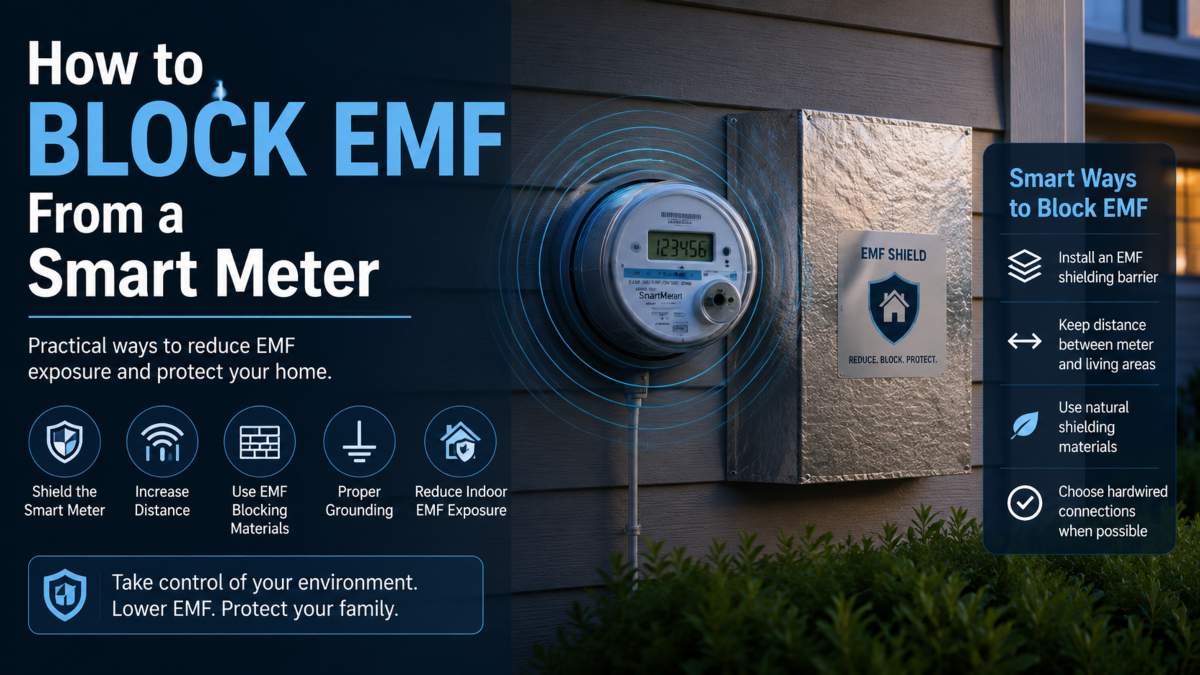 Distance and Shielding Strategies
The simplest strategy is rearranging furniture moving a bed, desk, or seating area away from the wall shared with the smart meter, even by a few feet, reduces proximity to the signal. For households that can’t rearrange a room or want additional reduction, RF-shielding materials such as silver-fiber fabric panels or shielding paint can be applied to the interior side of that shared wall. These materials work by physically blocking RF signals from passing through the wall, rather than affecting the meter’s function or the utility’s ability to read usage data.
It’s worth noting that smart meter transmissions are brief and intermittent rather than continuous, so shielding this wall typically has a smaller overall impact on total home EMF than addressing a WiFi router, which transmits far more consistently throughout the day.
Lowering EMF levels at home works best room by room, since each space has different devices, layouts, and time spent in it. The rooms where people spend the most consecutive hours bedrooms and home offices typically benefit the most from adjustments, while high-device rooms like kitchens need a different approach.
Rather than trying to address an entire home at once, focusing on one room at a time makes it easier to identify specific sources, test before-and-after changes, and prioritize the spaces that matter most. Sleep environments tend to be the highest priority, since a bedroom is often the one room where a person remains stationary, close to the same devices, for six to eight hours or more at a stretch.
The bedroom is usually the top priority for EMF reduction because of the length of uninterrupted time spent there. Practical steps include moving WiFi routers and smart hubs out of the bedroom entirely, keeping emf from phones off the nightstand or switching them to airplane mode overnight, and unplugging or relocating cordless phone bases and baby monitors away from the bed. If a smart meter is mounted on a wall shared with the bedroom, that wall should also be addressed with distance or shielding adjustments. Because sleep hours are consistent and lengthy, small changes in this room tend to have an outsized effect on total daily exposure.
Home offices often have a dense cluster of EMF sources in a small area a WiFi router, laptop, monitor, smart speaker, and sometimes a cordless phone, all within a few feet of where someone sits for hours. Positioning the router across the room rather than on the desk, using a wired ethernet connection when possible, and keeping phones at arm’s length rather than directly beside the keyboard are simple ways to reduce close-proximity exposure without changing how the space functions.
Kitchens tend to have more connected devices than any other room WiFi-enabled appliances, smart speakers, microwaves, and often a router or smart hub placed on a counter. Since kitchens are typically used in shorter, more active bursts rather than hours of stationary time, the priority here is less about eliminating devices and more about placement: keeping a router or hub away from the areas where people prep food or sit to eat, and avoiding stacking multiple wireless devices in one corner of the room.
Protecting yourself from EMF at home comes down to two approaches working together: reducing exposure at the source through habits and placement, and adding a physical barrier between yourself and RF signals when distance alone isn’t practical. Neither approach needs to be all-or-nothing most households see the biggest difference by combining a few consistent habits with targeted shielding where exposure is highest. Understanding do EMF blockers actually work can help set realistic expectations for either approach.
Simple daily habits can meaningfully reduce cumulative EMF exposure without any equipment or purchases. Keeping phones out of pockets and off nightstands, switching devices to airplane mode when not in active use, using wired connections for laptops and desktops instead of WiFi, and turning off routers overnight all reduce the number of hours spent near an active RF signal. Distance remains the most effective and lowest-cost tool available moving a device even a few feet away, or simply not carrying one on your body throughout the day, lowers exposure more than almost any other single change.
For situations where distance isn’t practical carrying a phone, sitting near a router for work, or wanting a barrier while at home silver-fiber fabrics offer a wearable option. Woven with conductive silver threads, these fabrics are designed to block RF signals from passing through the material, making them useful in items like Signal Shielding Large blanket sized for babies and larger spaces, an Signal Shielding beanie or hat, and EMF protective clothing meant for close, prolonged proximity to wireless devices.
SLVR Wear™ Faraday Phone Pouch, for example, uses this approach the same principle behind how a Faraday cage blocks EMF to block signals directly at the source, the phone itself, rather than relying on room-level changes.
This kind of textile-based shielding works alongside the habits above rather than replacing them; the goal is to layer multiple small reductions rather than relying on any single fix.
The most accurate way to detect EMF at home is with a handheld EMF meter, which measures readings near known sources like routers, smart meters, and cordless devices, then compares those to background levels elsewhere in the home. Consumer-grade meters are affordable and sufficient for most households looking to identify high-exposure areas.
Yes, smart meters emit radiofrequency (RF) EMF, but only in short, periodic bursts rather than continuously. A meter typically transmits for a fraction of a second at scheduled intervals, unlike a WiFi router, which broadcasts nearly nonstop.
According to the FCC, smart meters generally operate well within federal exposure limits, with emissions during a transmission burst comparable to or lower than many other household wireless devices. The key difference is duration a smart meter’s burst lasts a fraction of a second, while devices like routers transmit continuously.
You can reduce router-related EMF by increasing distance between the router and areas where people spend the most time, relocating it to a hallway or shared space, and using RF-shielding materials for more targeted reduction. Distance and placement typically matter more than the router model itself.
Since a smart meter is mounted on an exterior wall, the most practical steps are to rearrange furniture away from the shared wall and, if needed, add RF-shielding materials to the interior wall. Shielding a smart meter wall generally has less overall impact than addressing a router, since meter transmissions are brief and intermittent.
Lowering EMF levels works best room by room prioritizing the bedroom and home office first, since these are where people spend the most consecutive hours near active devices. Addressing one room at a time makes it easier to identify sources and see the impact of each change.
Protection comes from combining everyday habits like using wired connections and keeping phones off the nightstand with physical shielding, such as silver-fiber fabrics, when distance alone isn’t practical. Layering both approaches tends to be more effective than relying on either one alone.